My Christmas Album Pages for 2016


I recently finished up Journal Your Christmas, and wanted to show you the completed pages.  Please note that I am only sharing the pages right now...I figured I would do a separate post about getting the pages printed and into a book or album at a later date.

The key to getting an album like this done is keeping it simple.  As I mentioned in my earlier post about holiday albums,  I used a set of 6 x 8 templates and a set of Christmas kits I picked out ahead of time (I will provide links to these products down below).

When it came time to make each day's page, I just opened a template in PSE, saved it as a new file, plopped in any papers and embellishments I wanted to use, and added journaling.

A few years back, I made a font of my own handwriting.  This is pretty handy when you want to include your own writing, but are short on time.  This is another tool in my arsenal that helps me get my pages done quickly and easily.

If you are interested in turning your handwriting into a font, here are a couple of sites that allow you to do so.  One of the sites provides this service for free, and the site requires payment.  I included both so my readers could choose the one that suits their needs.

Paintfonte

Fontifier


Here's my latest video, with a slide show of each of the layouts I did for this project.  I hope you'll watch and get a feel for how the pages all tie together.


If you want to get a better look at each of the pages, you can find them at either of these two places:


JYC 2016 Photo Album on my Facebook Page
 
My Scrapbook dot com gallery


Here are the page kits I used:

DYD 6 x 8 Templates by Just Jaimee


Holly Days Advent Calendar Kit by Amy Wolff:


Holly Days Element Pack:


Holly Days Paper Pack:


List of Fonts used on my layouts:

Tangie Momraths: part of this font package
 2Peas Gift
LDJ Knuckle Type
Cry Kitty
Impact Label Font (I used a different labelmaker font that is no longer available, but this one is a close substitute for it)
Thirsty Script
Snowinter
Autumn in November
Penelope Anne
Outlaw
Pussycat
Bebas Neue
Sketchetica
Creampuff
Coolvetica
Stamp
Grutch Shaded
Blackhawk

Wow...that's 19 fonts!  I did warn you that I was a font junkie, right?

Anyhow...I appreciate you stopping by here, and I hope you found some inspiration you can use in your own holiday album or project.

Simple and Elegant Gift Tags


When I get really busy during the holidays, I find that the best thing to do is to stop what I'm doing, and make a little time to craft something.  I've also learned that if I focus on a smaller project rather than a big one, I feel more relaxed and more satisfied with what I've made when the project is finished.  It's one little way that I slow myself down and enjoy this time of year, which is great for letting go of that holiday stress. 

My latest YouTube video shows you how fun and easy these little tags are.  I hope you'll give it a watch: 


Here's a list of the supplies I used to make these cute little goodies.  And just a little disclaimer:  If I cannot find a link to the supplies below, or they are discontinued, I will link you up to other projects that are similar and would work just fine in their place. 

And, as always:  if you prefer to use items from your stash, do it!  I'm a big proponent of using what we already have.  


Traditional Supplies: 


American Crafts Red Ribbon (this is a close substitution)
Clear Scraps Shapes & Albums (not all the shapes I used are there, but some of them are)
Clear Scraps At Scrapbook dot com (they have some shaker and chipboard shapes that could be used for this, too)
Baker's Twine (This is a pretty good deal for all of these spools)
A standard sized hole punch  (found at most office supply stores)
Scissors
A black gel or writer pen, if you want to write on "to" and "from" (not pictured)

I have some blue ribbon, some photo squares, and some adhesive pearls in the picture, but they ended up not making it into this project, FYI.


Here's another picture of the tags, as well as a couple of gifts I attached them to: 


I hope you like these tags, and will make some of your own, even if it is just for your own enjoyment!

Thanks for taking time from your day to take a look...:)


My Favorite Holiday Fonts

Whenever I do a Christmas album, I usually go on the hunt for great fonts.  I search my crazy, oversized collection on my laptop (my husband mocks me because I have over 1000 of them), and often go online to find more.  I just can't resist going to free font websites and seeing what's new, because awesome font creators release new goodies nearly everyday.  Here is my latest videos on my favorite fonts I'm using for my holiday projects:


My all-time favorite place to find free fonts:  Dafont

Another great one: 1001 Free Fonts

There's also: Font Squirrel

***Edited to add:  please note that most of the fonts I've shown here are free for personal use.  Should you need any fonts for commercial use, check out Website Planet.

Of course, there are more places to find free fonts, but these are the ones I frequent the most.  A Google search will Probably find you several more.  Here are links to the fonts I mentioned in my video:


Here's some samples of it on the blue card below,  as well as two Journal Your Christmas pages I did:


I used it here as a page title along the side:


This one comes in regular and bold styles, and both are great for journaling:


Since I just found this one, and hadn't had a chance to use it on a project, I made up a sample journaling block so you could see how awesome this font is: 


Thanks for taking time to read this post, and I hope you are enjoying this wonderful holiday season!


It's Almost Time for Holiday Themed Albums Again...

...are you excited abut this prospect?  Or overwhelmed by it?  I'm excited about it, and can't wait to jump in again.  I chose not to do Journal Your Christmas or any holiday themed album last year, simply because I was going through some stuff and was just emotionally exhausted.  So whether or not you are joining in with the crowds doing themed holiday albums this year, I feel you either way.  I hope however you choose to celebrate this season, you'll find a method that brings you a measure of peace and happiness.

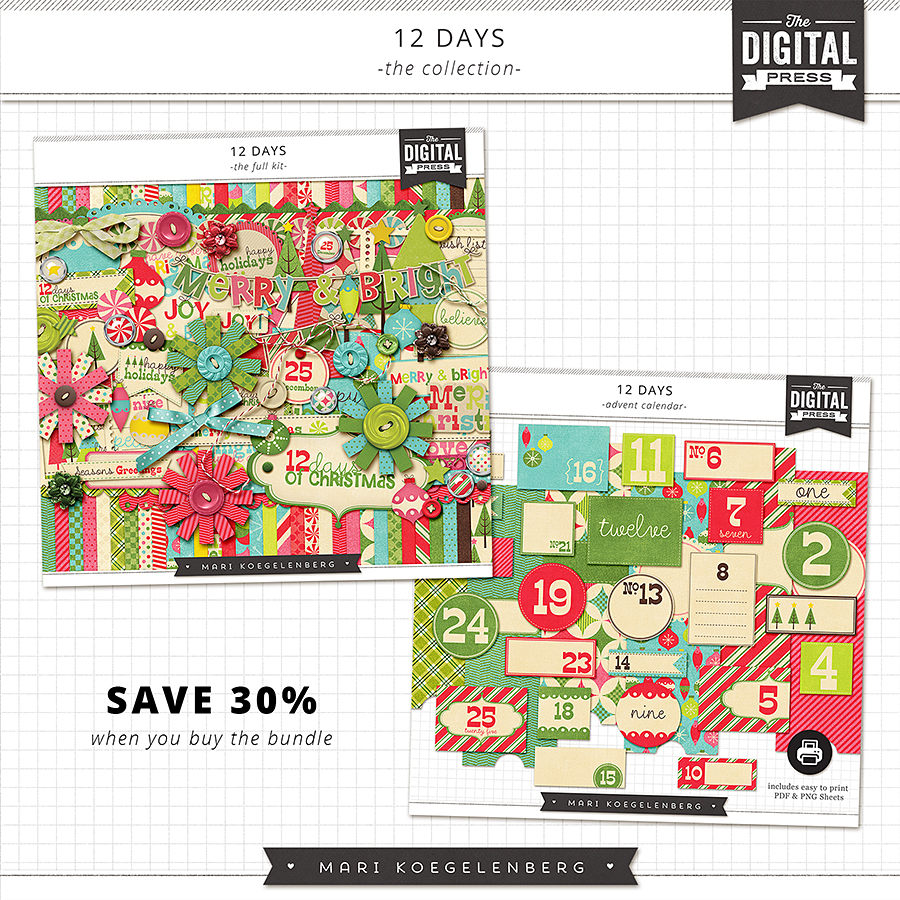
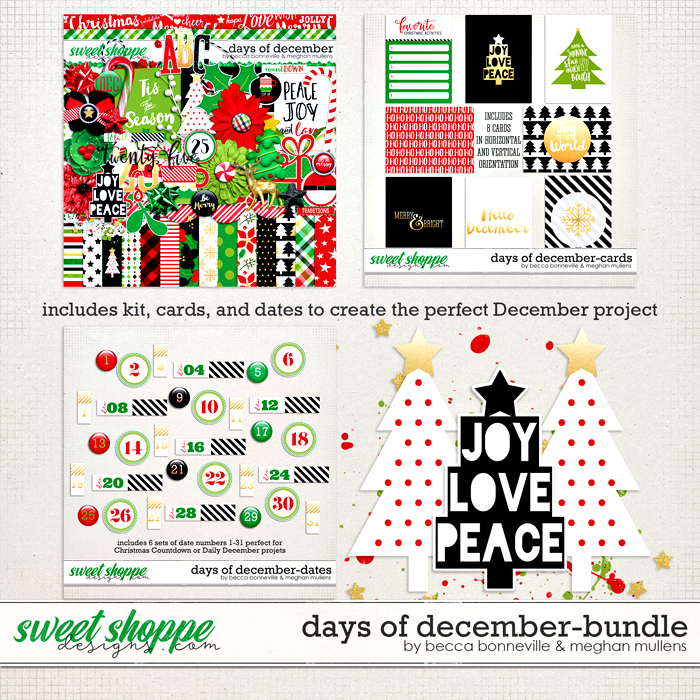
Since I am doing an album this year, I decided to go hunting for a Christmas kit that would work well for Journal Your Christmas, which means I want more than just the standard papers and embellishments --- I also want to find a number set for each day of the holiday season, unique color combinations, some awesome templates to keep the process simple but still fun, and I want a decent mix of solid and patterned papers.  I made a video about the best kits I found that meet this criteria.  I hope you'll watch if you have the time:


Also, I decided that it would be easier to put the links for all the kits I featured (and some others that didn't make it into my video, but are still worth checking out) here on the blog.  I hope this helps you as you do your shopping for digital goodies.  I haven't started my foundation pages yet, which is unusual for me, but that's OK.  I will just jump in tonight or tomorrow with some new digital goodies. Here are the links to the stores/kits I think are best suited to this type of project.  Happy shopping!

From the LilyPad Digital Scrapbooking Store:

DYD 2015 6x8 Mega Template Album kit by Just Jaimee


Holly Days Kits by Amy Wolf


Other LilyPad kits to consider:

(has the look of stitched 6 x 8 sheet protectors --- so cool!)


Kits at the Digital Press:


Once Upon a Christmas: Collection by Anita Designs & Wishing Well Designs


Honorable Mentions:


(8.5 x 11 templates; could be modified to fit the current year)


Kits at Sweet Shoppe Designs: 


Other great kits at Sweet Shoppe: 
(while not technically a holiday themed template kit, it would lend itself easily to a December Album.  There are 15 - 6 x 8 templates for about $5 --- that's a great deal!)
From Digital Scrapbook Ingredients:
(Neither of these are full kits, but might work well with kits you already have)

Kits featuring other December Holidays: 


I'm so glad you stopped by today, and here's wishing that we all have an joyous holiday season! 


Using the iPad Pro + Apple Pencil as a Pen Tablet for Digital Scrapbookers


My husband recently gifted me with a new 9.7 in. iPad Pro and an Apple Pencil to go with it.  At first, I wasn't sure what the heck I'd do with the pencil...I didn't know if I'd do more with it than use it to click around with as I navigated between apps on my iPad.

One night, he and I were talking about my old Wacom Bamboo Tablet, and I was wondering if I could still find drivers for it, since it's getting to be an older device now.  We started talking about the idea of me using my iPad Pro and Apple Pencil as a pen tablet...I just needed an app to enable that functionality.

He had used an app called Duet at work, and thought it would be a good one for me to try, so I gave it a go.  It worked pretty well, as you can see from the the video demo I linked for you above.  I'm also kind of intrigued by Astropad, which I'm trying to decide if I want to buy or not, so that may be an option for some of you if you choose not go with Duet.

It took me a little longer this time to get this video ready, because I had a bit of trouble with the Apple Pencil, as it was giving me serious writer's cramp.  I also wasn't sure which angle to set my iPad at to be used most comfortably.

In the end, I decided to lay the iPad down flat, and used a couple of accessories with the iPad to help make the experience more comfortable, and now using it is a snap.  Granted, this set up only works with Apple Devices as far as I know, but if you have these goodies on hand anyway, you are all set and have a pen tablet at the ready the next time you want to scrap with one!


Let me know what you think of the video, and if you think you'll try using your iPad Pro as a pen tablet...I'd love to get your input on how the experience went for you.

Aside from my MacBook, iPad and Apple Pencil, here is a list of the supplies I used in my video:

Mudder Tablet Drawing Artist Glove

Ztylus Apple Pencil Case

Summer Mini Template:  unfortunately, it's discontinued.  But, here is a link to Julie Fei-Fan Balzer's stencil page on Scrapbooking.com  There are a few face stencils on this page your could easily use instead: Julie's templates at Scrapbook.com

Procreate App

Beep Beep Digital kit by Jen Allyson: Discontinued.  Here is another very similar Digital kit on the same theme by Kim Jensen at the Lilypad: City Streets Elements kit  
and City Streets Papers

I think that is everything --- so if any of you have questions, comments or constructive feedback, feel free to holler!  I know I've probably forgotten some things I wanted to include in the video, so ask away if you have further questions.

Thanks for stopping by today!